1
为什么选择了 ez

ez 实际上手使用,以及常见扫描场景,实际体验下来,主动探测的能力,对后端接口的能力比较好,得益于现在的前后端分离架构的火爆。下面我将写一些我常用的 ez 使用场景,仅供学习交流(证书文末也会给)

2
食用指北
https://index.zgsfsys.cn/finger/index.html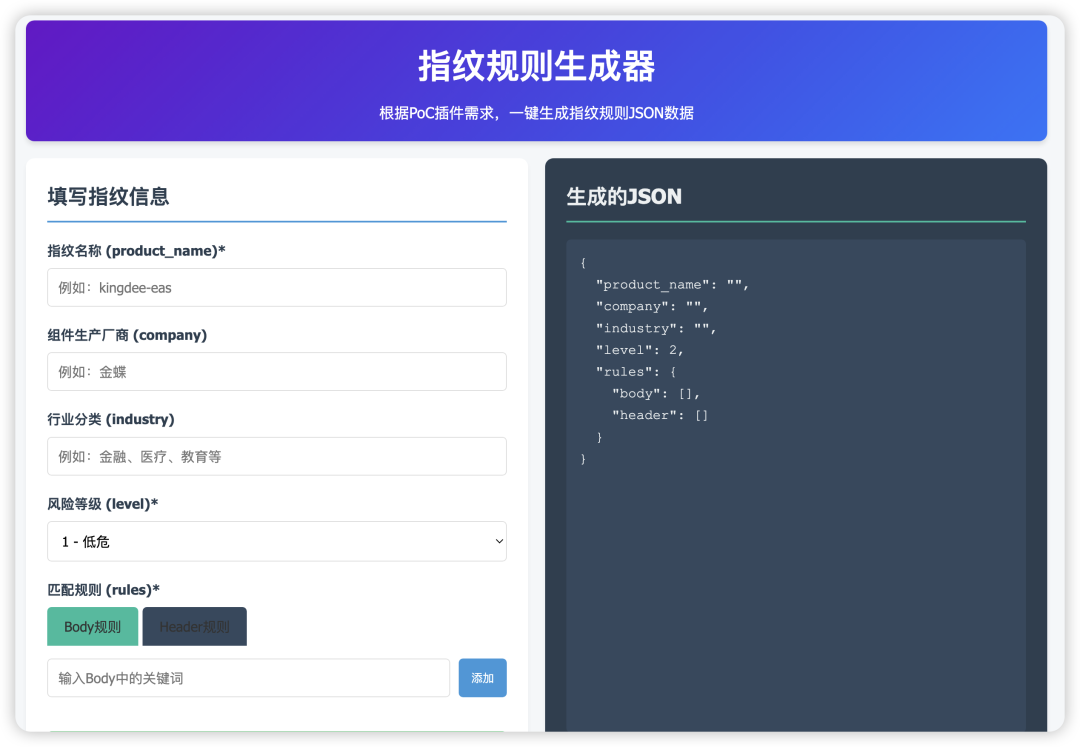
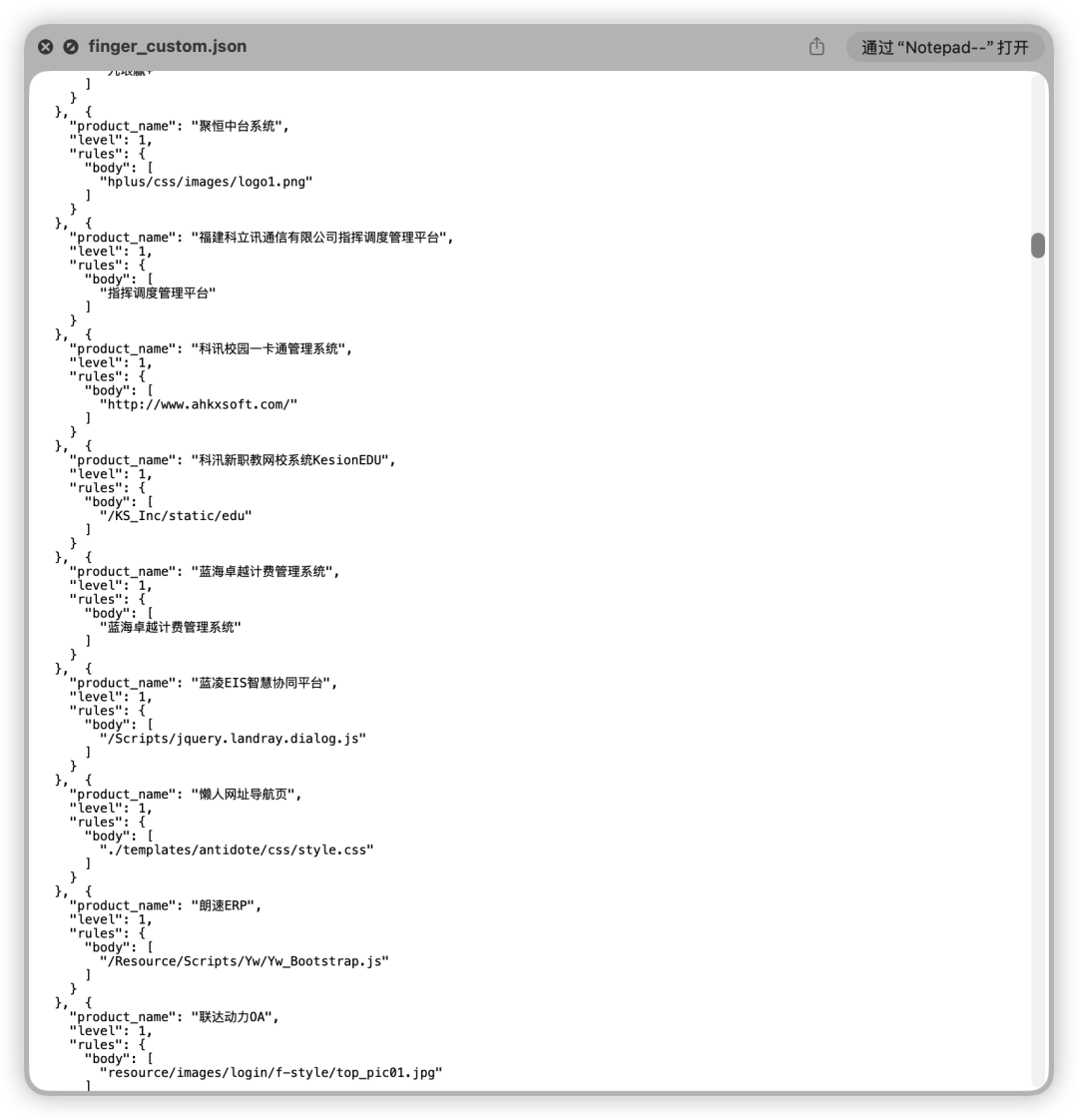
2.只扫描高危漏洞,常用用攻防Web批量打点。
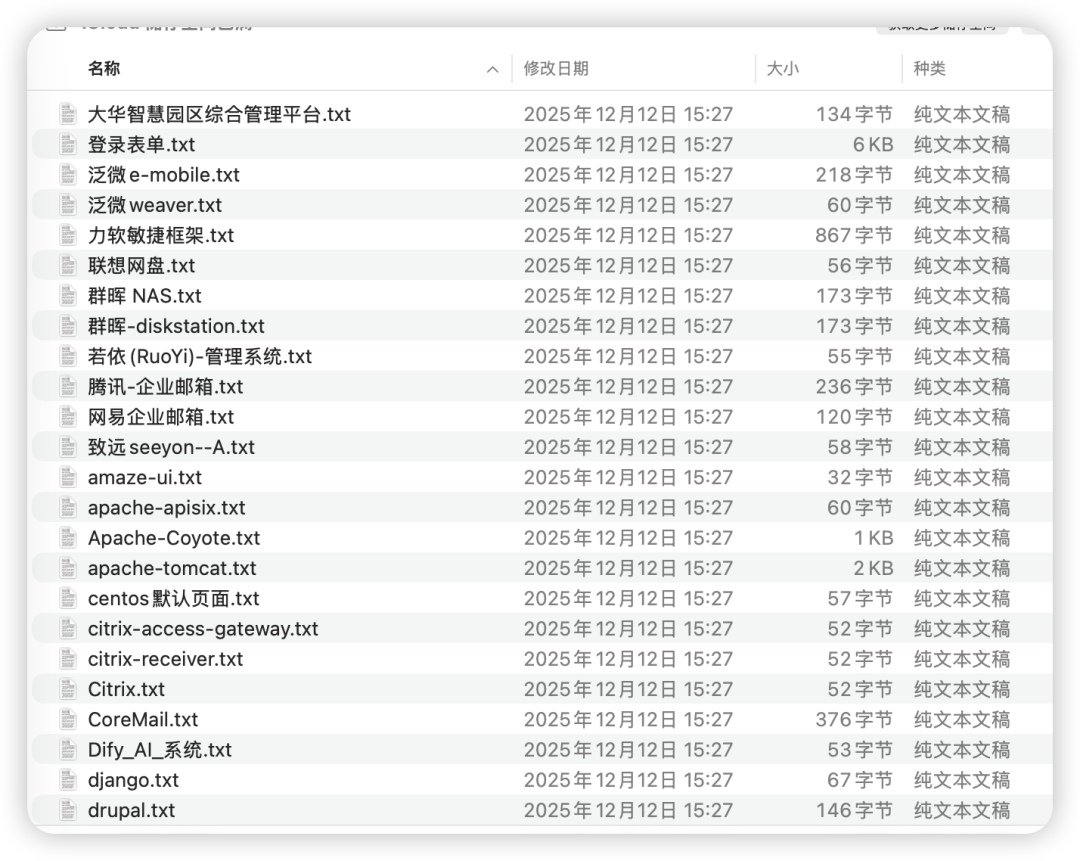
./ez_darwin_arm64 webscan --level 2 --urls-file url.txt --html-output html.html --proxy socks5://127.0.0.1:1010./ez_darwin_arm64 webscan --disable-pocs all --urls-file url.txt --json-output json.txt --proxy socks5://127.0.0.1:1010import jsonimport os # 引入 os 模块来处理文件和文件夹def sanitize_filename(name):"""处理文件名中的非法字符,替换为下划线"""invalid_chars = ['\\', '/', ':', '*', '?', '"', '<', '>', '|']for char in invalid_chars:name = name.replace(char, '_')return name# 输入文件名和输出文件夹名input_file_name = '1217.txt'output_directory = '12171'# 存储分类数据的字典# 结构: { "原始指纹名": [url1, url2, ...], ... }plugin_data = {}try:# 1. 创建输出文件夹(如果不存在)os.makedirs(output_directory, exist_ok=True)# 2. 读取和处理源文件数据with open(input_file_name, 'r', encoding='utf-8') as f:for line in f:line = line.strip()if not line:continuetry:data = json.loads(line)url = data.get('target', {}).get('url', '')# 解析 "plugin" 字段plugin_list_str = data.get('plugin', '[]')original_plugins = json.loads(plugin_list_str)# 直接使用原始指纹进行分类for plugin_name in original_plugins:if plugin_name not in plugin_data:plugin_data[plugin_name] = []# 避免重复添加同一个URLif url not in plugin_data[plugin_name]:plugin_data[plugin_name].append(url)except Exception as e:print(f"处理数据时跳过一行,原因: {e}")# 3. 将分类结果写入各自的txt文件for plugin_name, urls in plugin_data.items():# 清理文件名以确保其有效safe_filename = sanitize_filename(plugin_name)# 构造完整的文件路径file_path = os.path.join(output_directory, f"{safe_filename}.txt")with open(file_path, 'w', encoding='utf-8') as f:# 将每个URL写入文件,每个URL占一行for url in urls:f.write(url + '\n')file_count = len(plugin_data)print("脚本执行成功!")print(f"已根据原始指纹进行直接分类,总共生成了 {file_count} 个文件。")print(f"所有文件都已保存在 ./{output_directory}/ 文件夹中。")except FileNotFoundError:print(f"错误:找不到输入文件 '{input_file_name}'。请确保它和脚本在同一个目录下。")except Exception as e:print(f"发生未知错误: {e}")
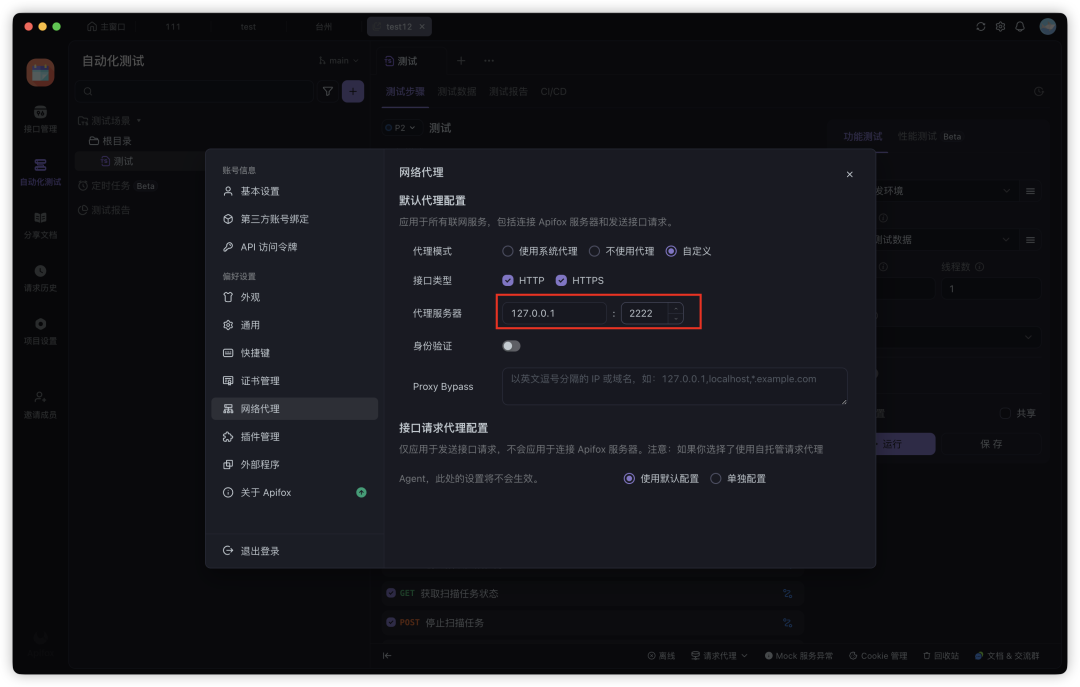
./ez_darwin_arm64 webscan --apiscan -u "" --html-output html.html --proxy socks5://127.0.0.1:1010对于 API 扫描能力,也可以通过 Postman/APIfox代理->EZ被动扫描。
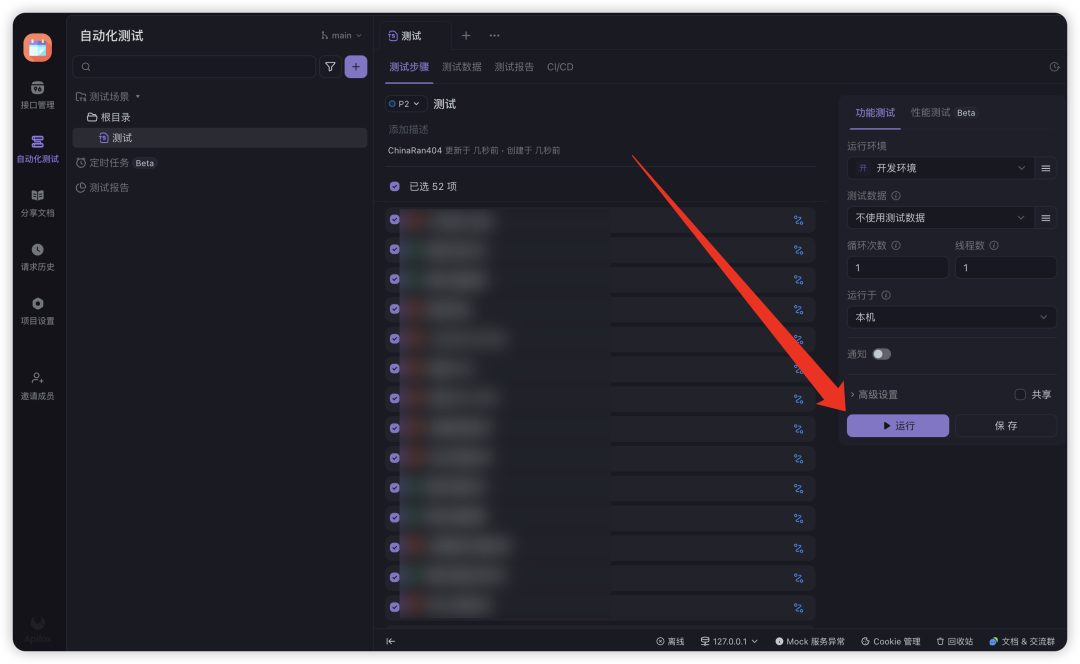
5.爬虫扫描 Katana+EZ
./katana -u [URL] -proxy http://127.0.0.1:2222 -affKatana爬虫能力非常不错,你可以使用 Katana+EZ,进行爬虫+漏洞扫描,2222 端口是 ez 的被动扫描监听端口
https://github.com/projectdiscovery/katana
爬虫能力有限的时候,我一般手机好 URL,然后挂着被动扫描批量打开。
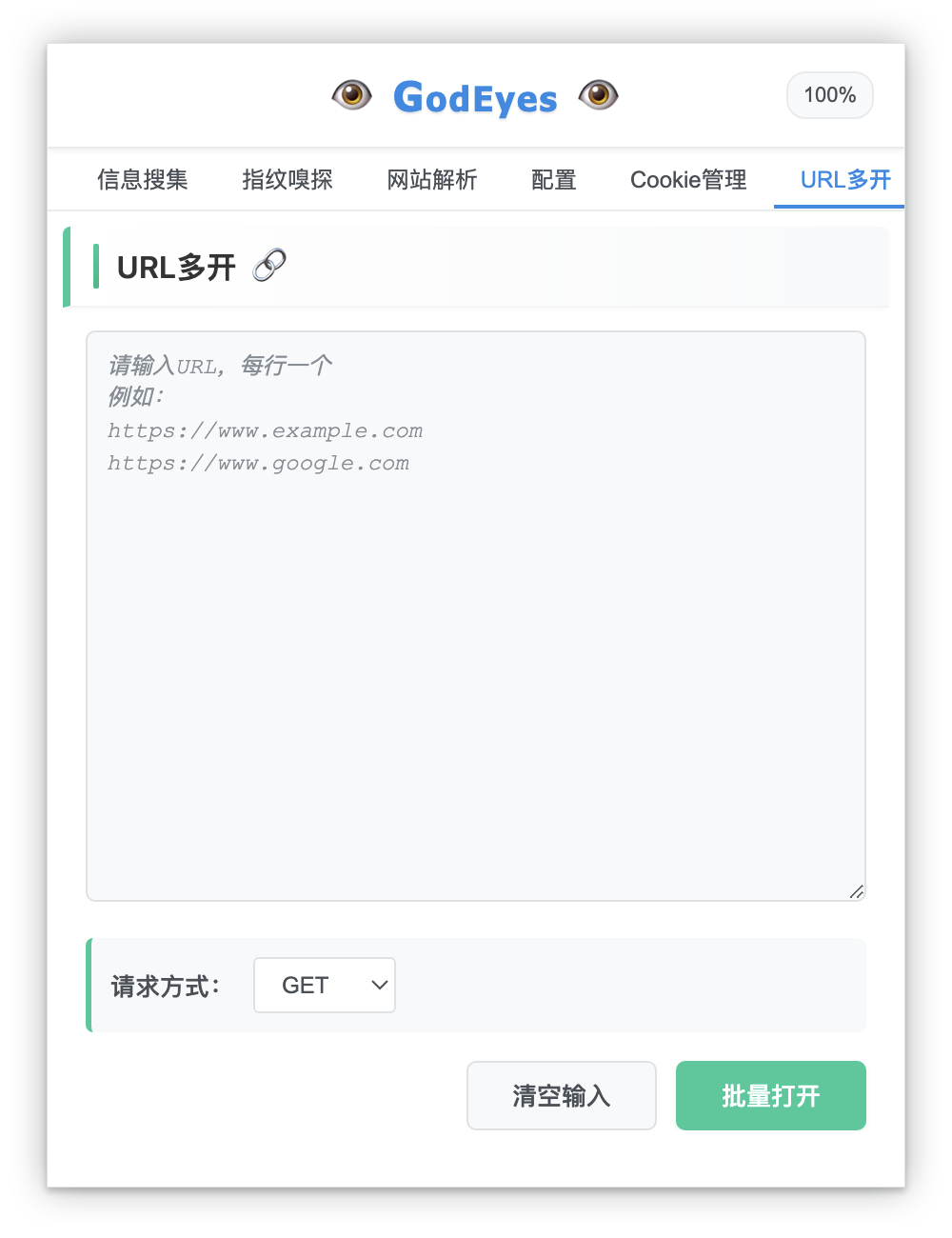
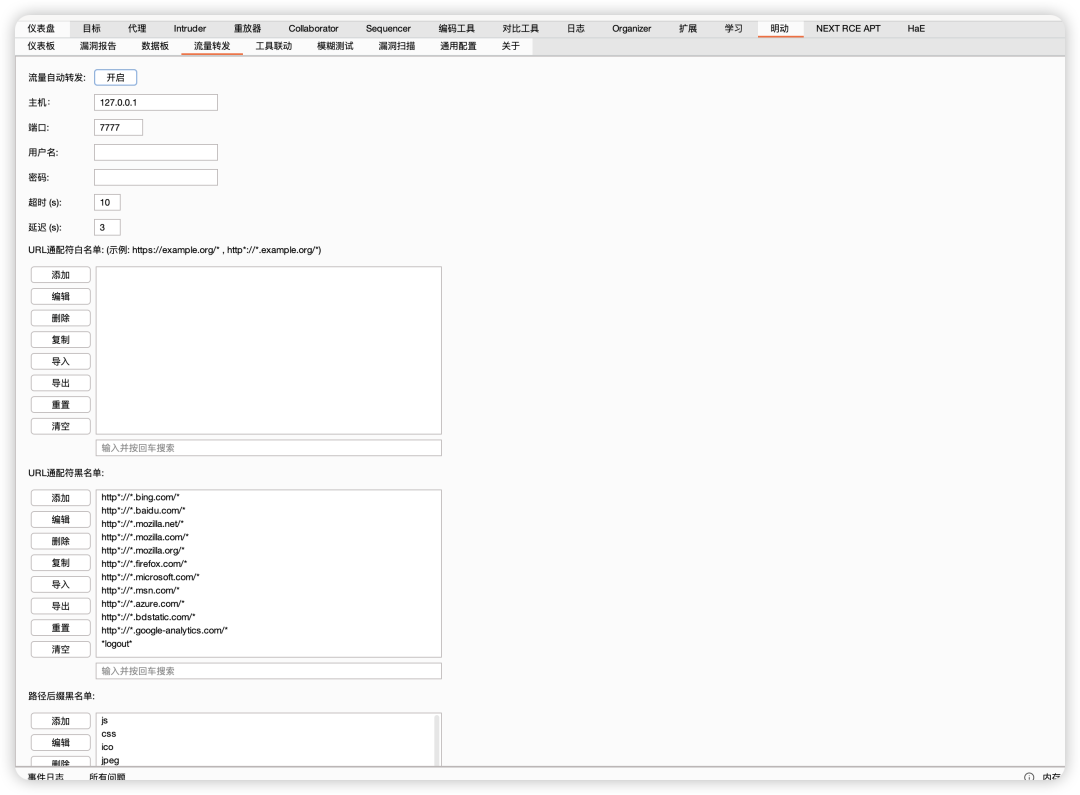
6.流量转发
Burp 用明洞插件进行流量转发
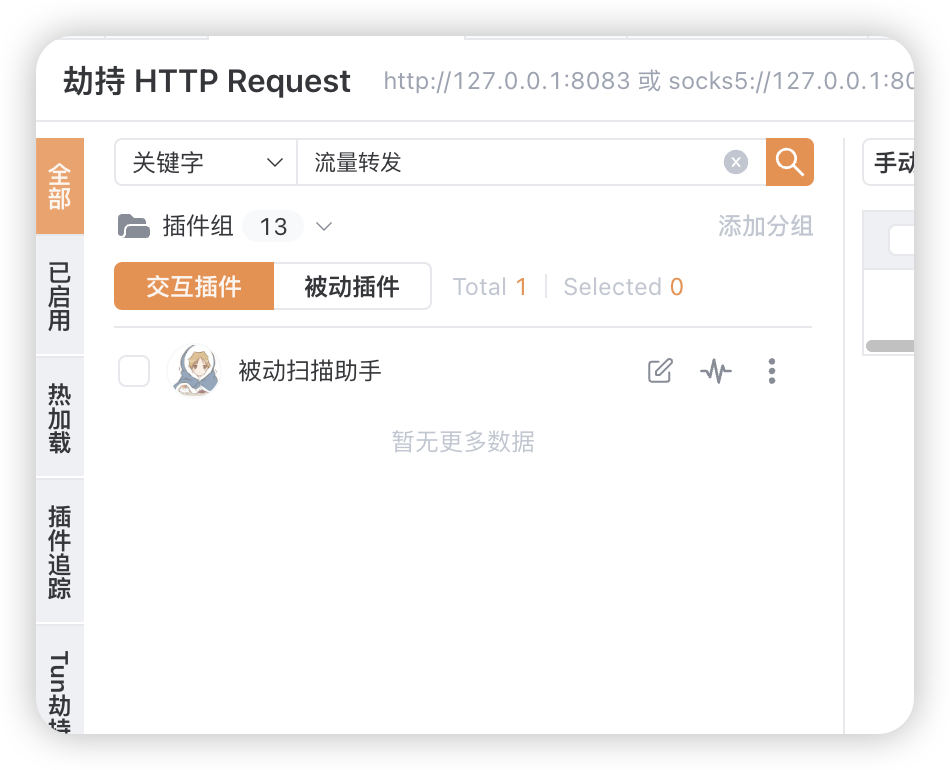
YakitMITM 使用被动扫描助手进行流量转发
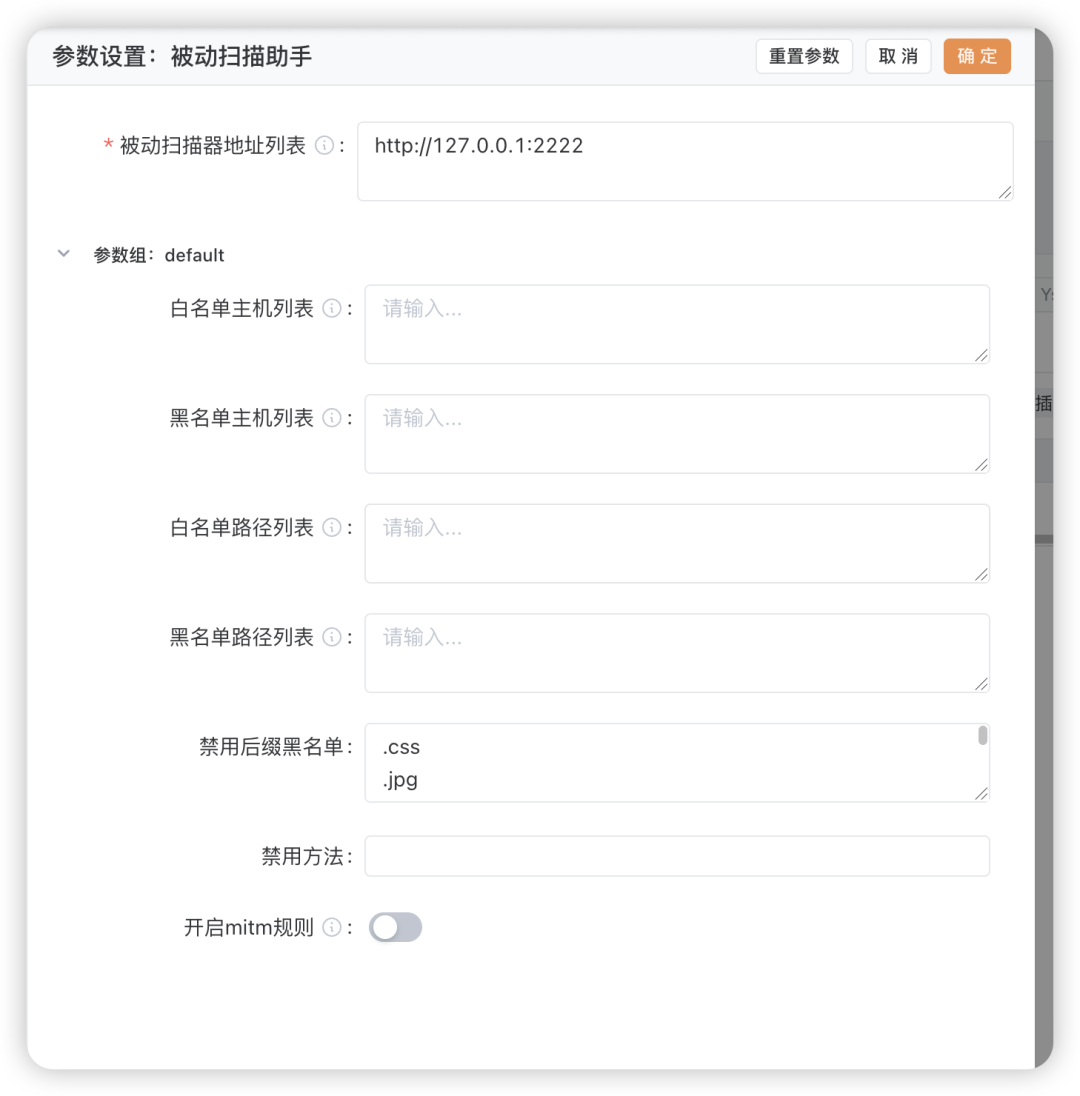
7.浏览器插件
ez 的浏览器插件是嘎嘎好用的
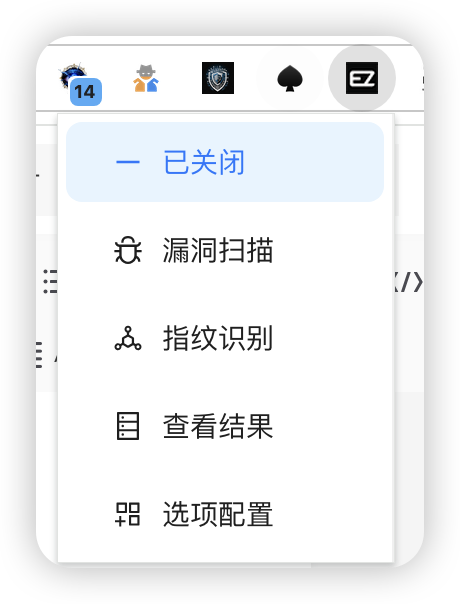
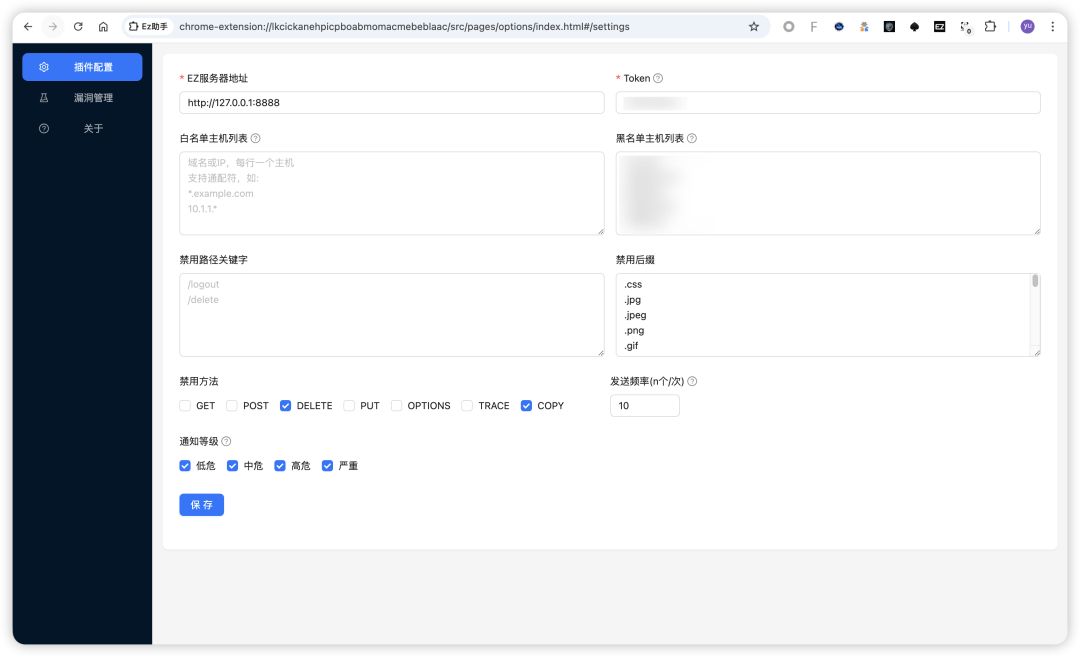
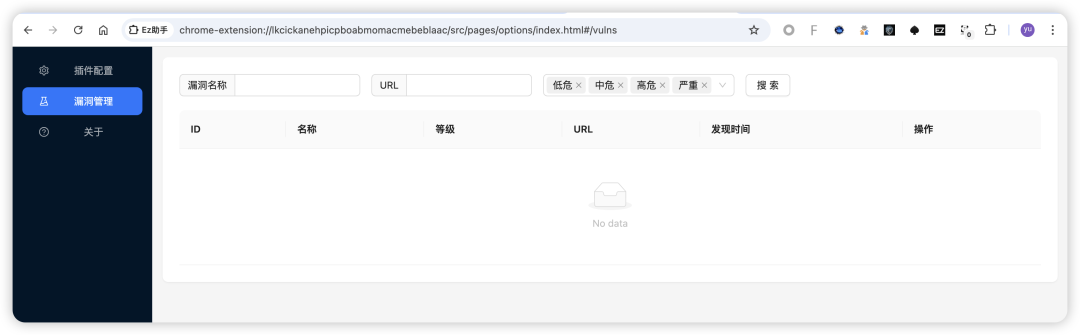
https://docs.ezreal.cool/EZUSE/poc.html
3
获取方式
小编偷偷给你们一张证书,直接拿去用,后续自己在论坛注册,签到
https://msec.nsfocus.com/me/ez/certificate
证书下载地址
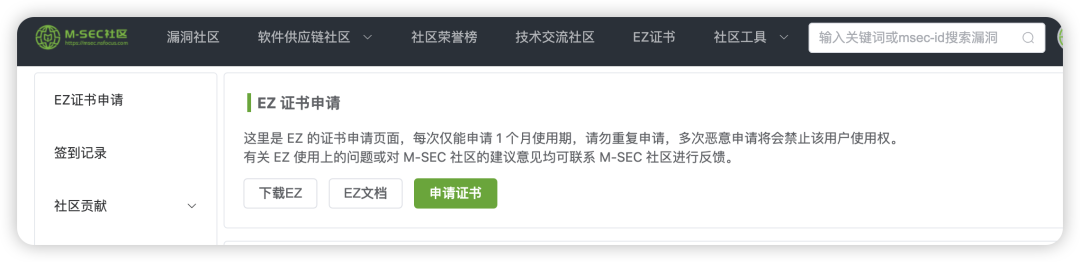
ez证书下载
通过网盘分享的文件:ez链接: https://pan.baidu.com/s/17RlO-yQVTTrnlZU6r4MVCQ?pwd=d5f7 提取码: d5f7--来自百度网盘超级会员v6的分享